









It Feels Like Making, Not Configuring
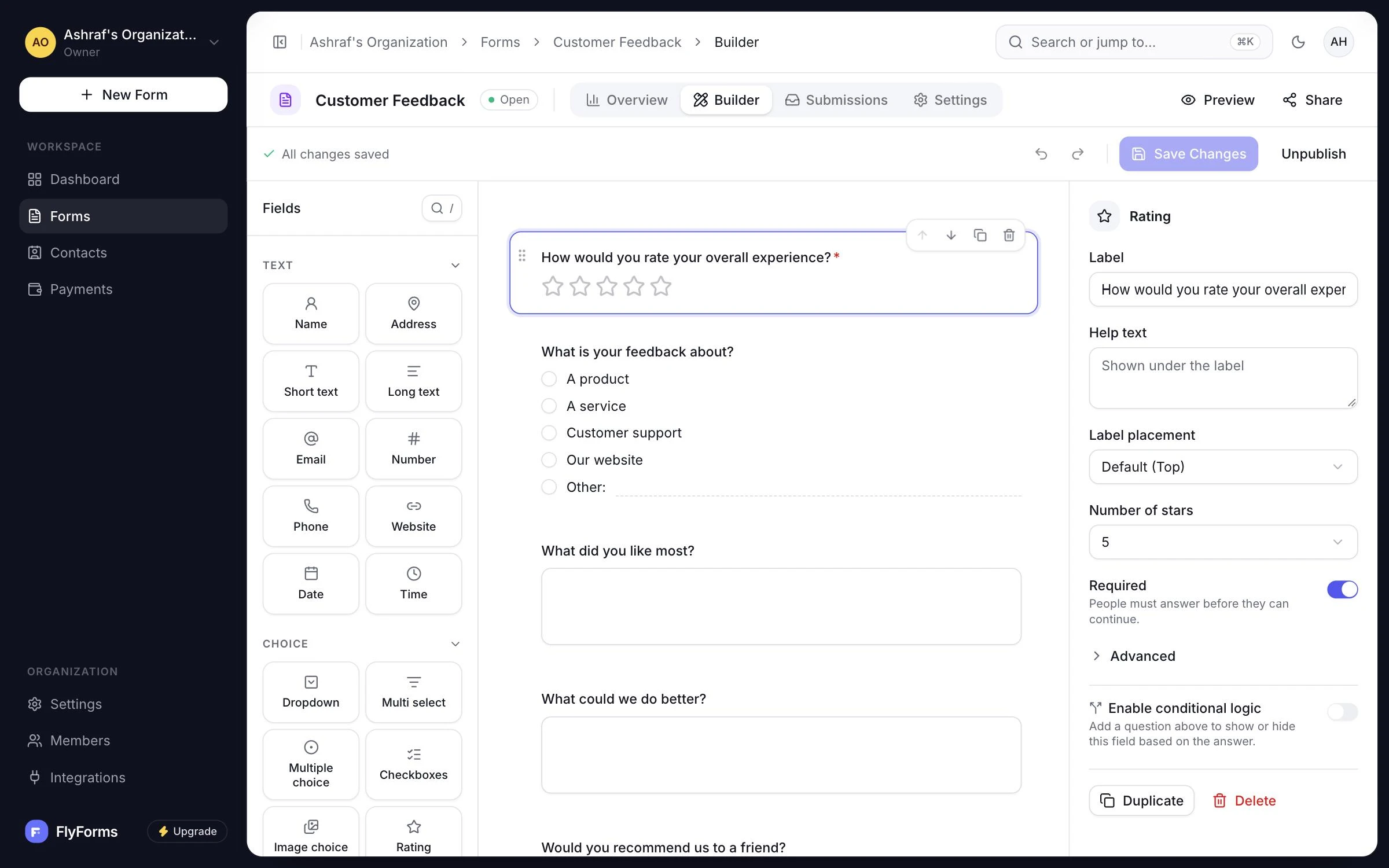
Drag a question in, name it, move it. What you drag is what a respondent sees, at the width they see it.
Invitation only for now
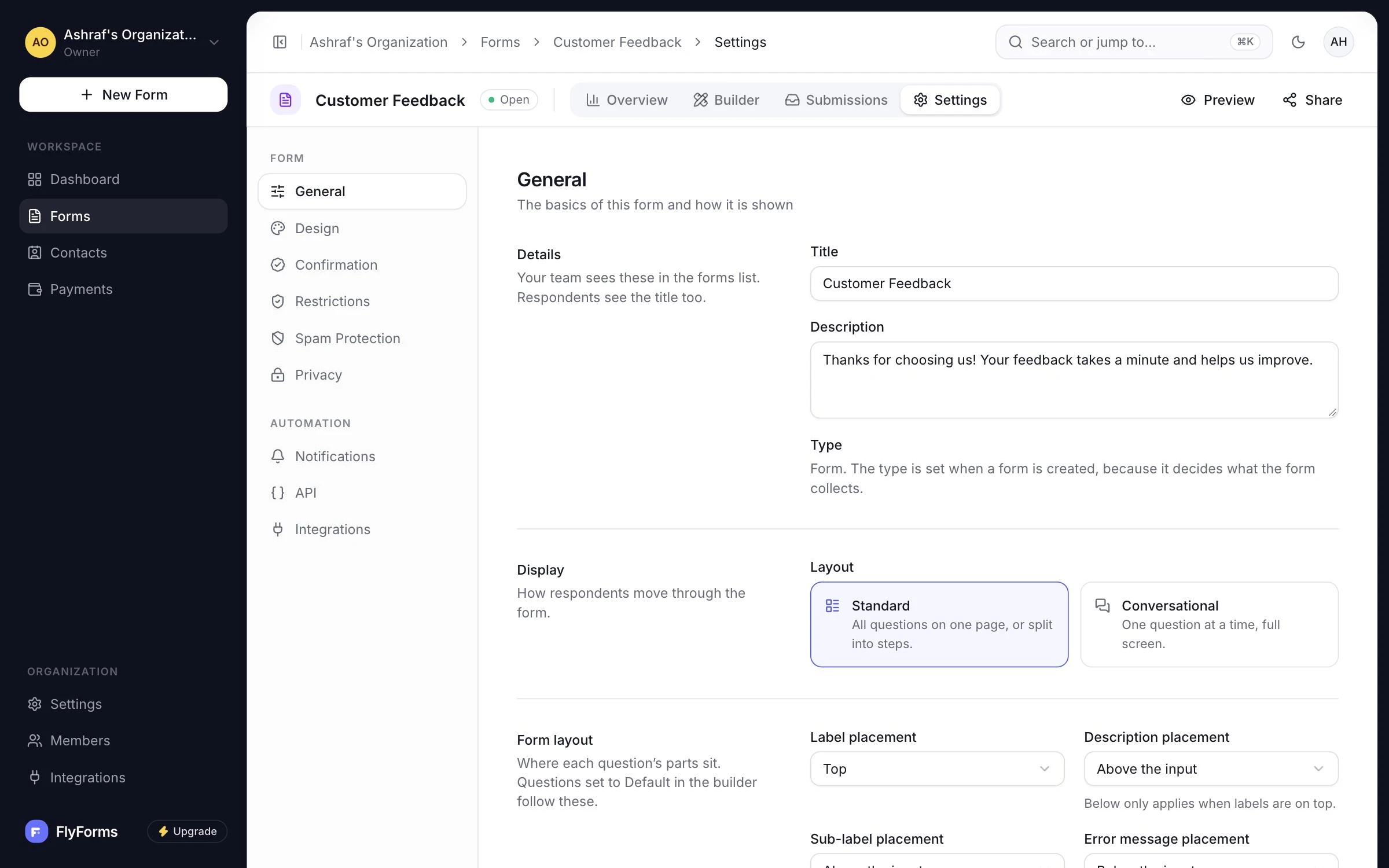
Build a form, publish it at a link that never changes, and put it on any page: a static site, a marketing site or a WordPress theme. You do not need a server of your own.
Made by the people behind










Everything you need
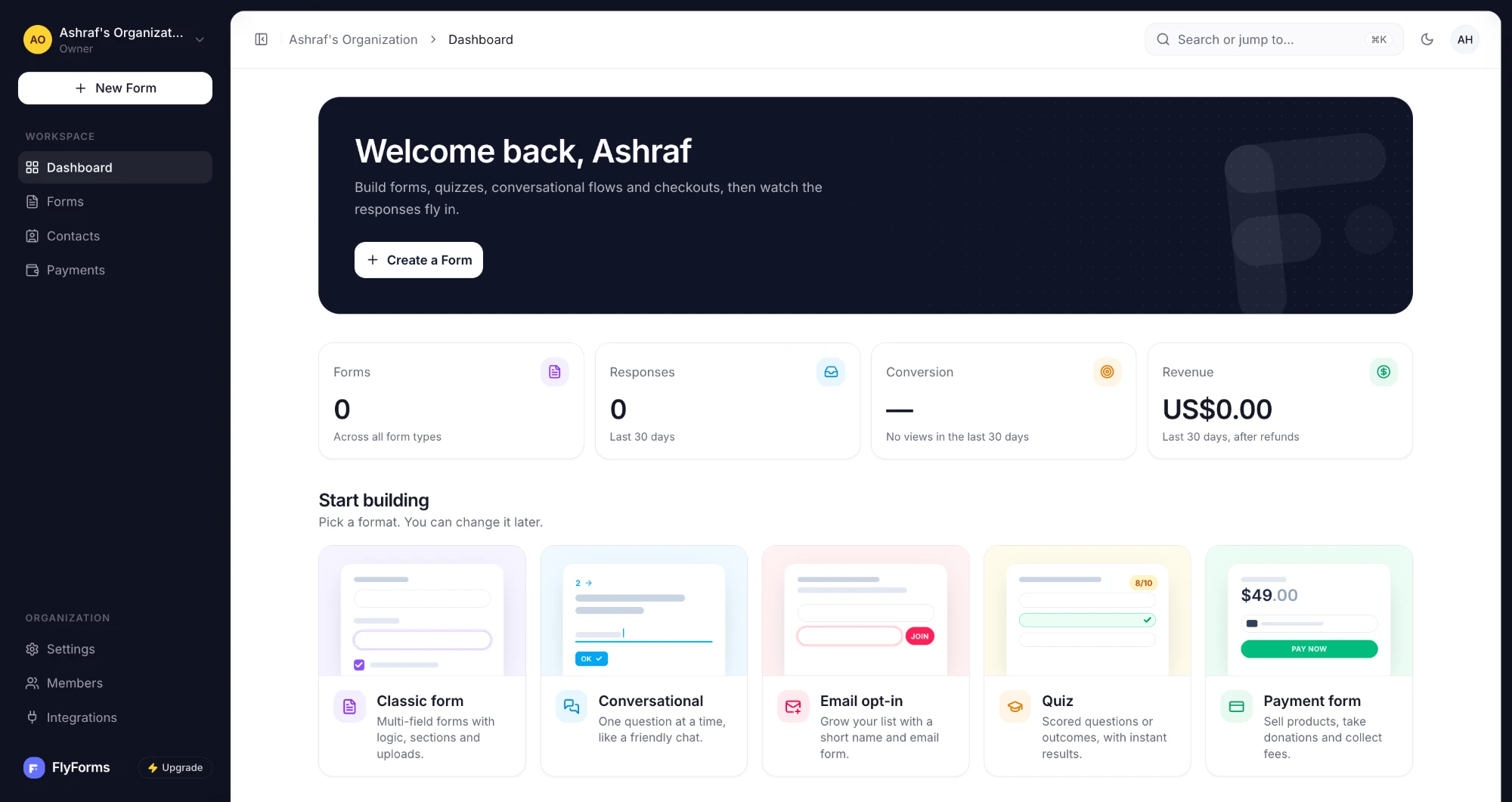
A form is quick to build. These are the parts that matter once people start answering it.
Drag a question in, name it, move it. What you drag is what a respondent sees, at the width they see it.
Every preset passes a contrast check. Bring your own colors, corners and CSS, and the builder warns you when text would be hard to read.
Ask the next question only when it applies. Each rule reads like a sentence, and the server checks it the same way the browser does.
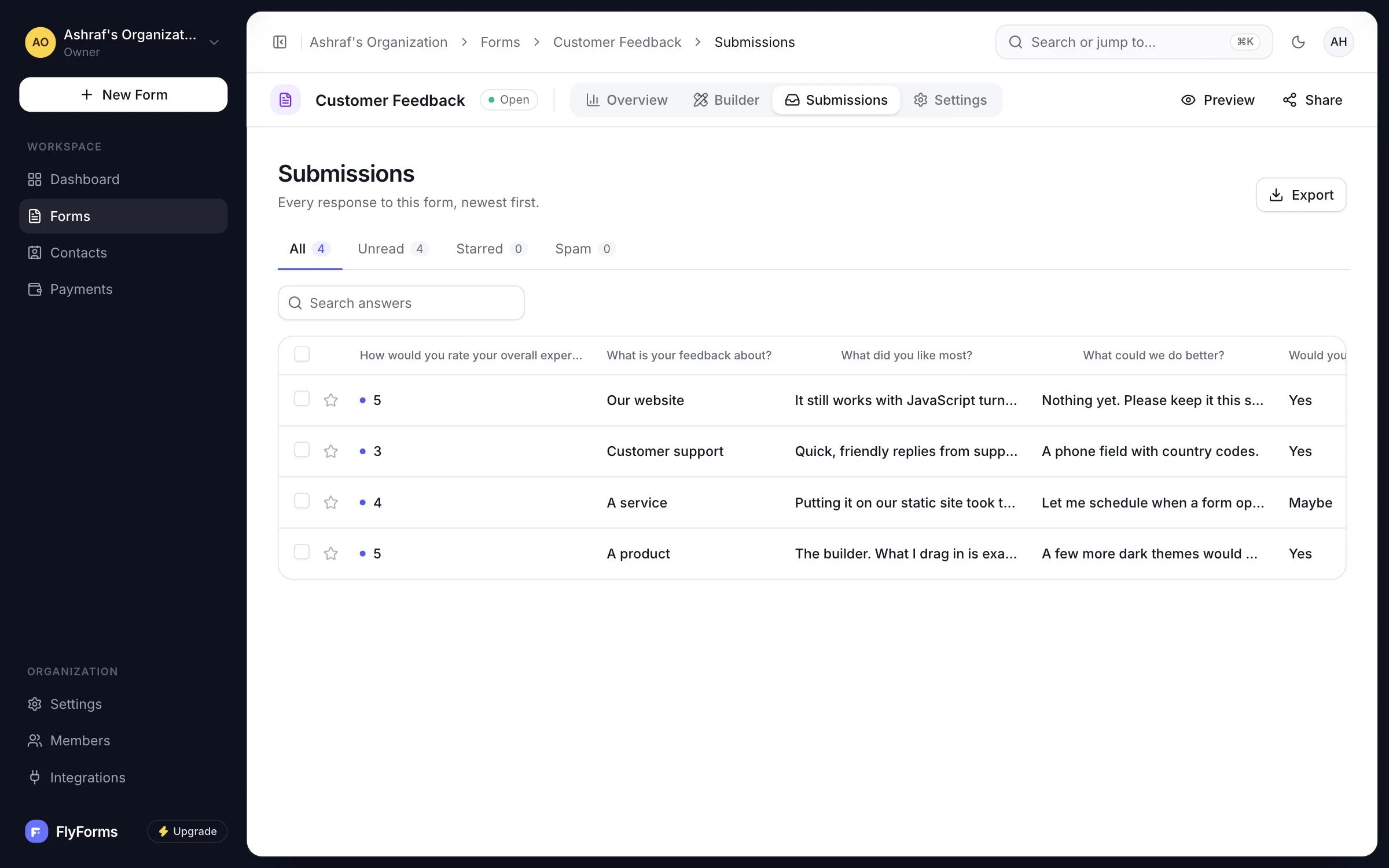
Every answer in one table. Search all of it, and export exactly what you have filtered.
A link, an embed or a QR code. All three point at the same form, at an address that never changes.
Hidden from search engines by default, and checked for spamScreens, not one long page
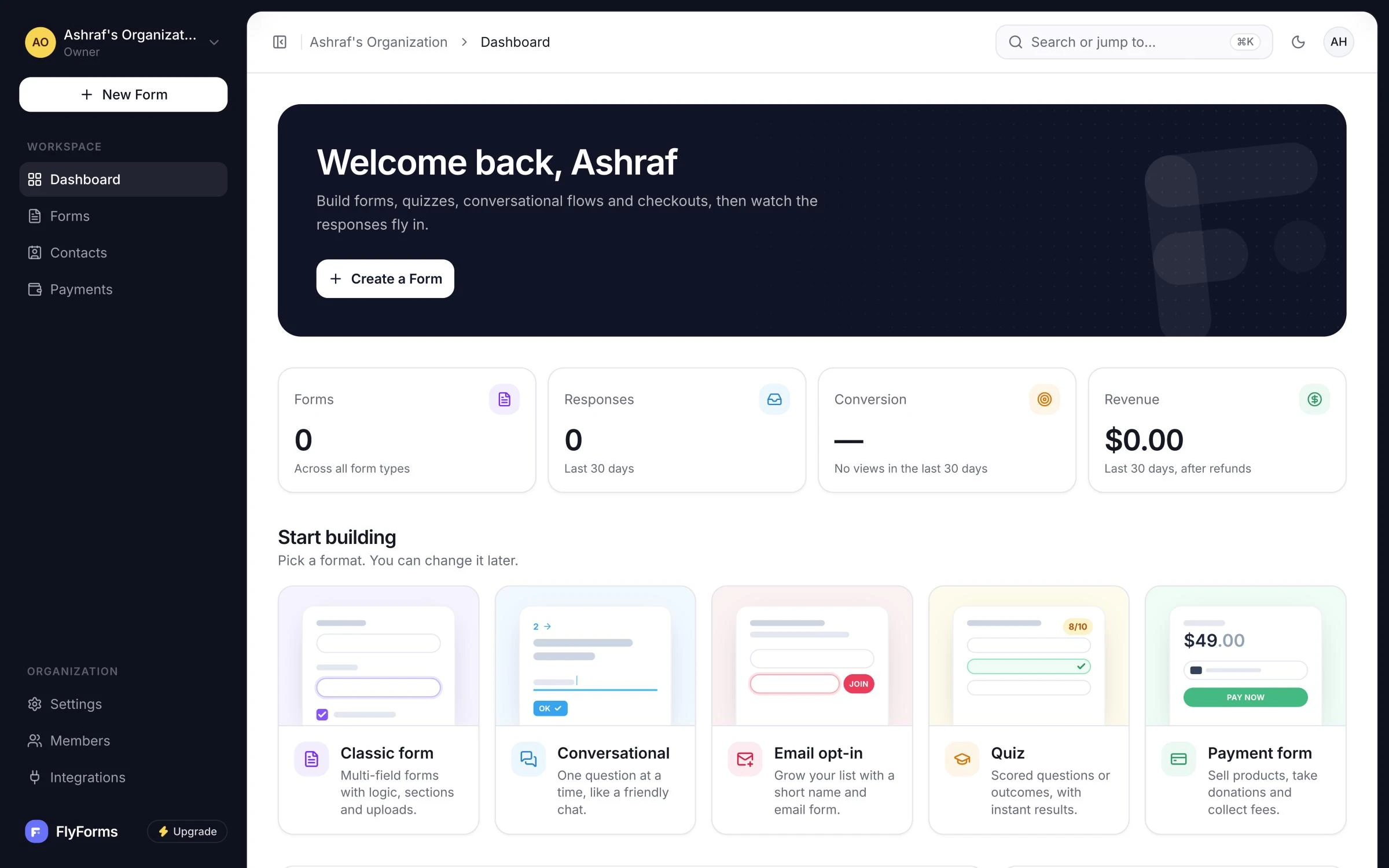
Build a form, decide what happens when it is answered, read every answer, and keep an eye on how it is doing.
The builder
What you drag onto the canvas is what a respondent sees, at the width they see it. There is no separate preview to check.
The answers
Answers land as they arrive. Read them in the table, open one at a time, or export the set you are looking at.
How it works
You publish a form before you can embed it, so each step leads to the next.
Drag questions onto the canvas. What you see there is what a respondent gets.
Read the guide: Build itEach published version is locked, so every answer stays matched to the questions people actually saw.
Read the guide: Publish itSend the link, paste the embed or print the QR code. All three open the same form.
Read the guide: Share itAnswers arrive in your workspace as people send them. Search them, export them, or get each one by email.
Read the guide: Read what arrivesSkip the blank page
Each one opens with its questions already in place. Change anything you like.
A few good questions
No. Building and publishing a form needs nothing but the builder. Putting it on your own site is two lines of HTML you copy.
Yes, that is what it is built for. The form needs no server of your own, so it runs on a static site, on another domain or inside a WordPress theme.
They get the whole form on one page and it sends normally. The server still enforces every rule you set.
Yes. Pick a preset or set your own colors, corners, spacing and text size. You can join a question to its button for a subscribe box, and add your own CSS. Every preset passes a contrast check, and the builder warns you when a color you choose would be hard to read.
Yes. Verify a domain once for your organization, and forms in any of its workspaces can use it. Until then, every form has a permanent link on our domain.
Read them in the table, open one at a time, search every answer, or export what you have filtered as CSV. You can also get an email as each one arrives.
Not yet. FlyForms is invitation-only while we get started, so the button above is for logging in.
FlyForms is invitation-only while we get started
A playable copy of the builder. Nothing here is sent anywhere.